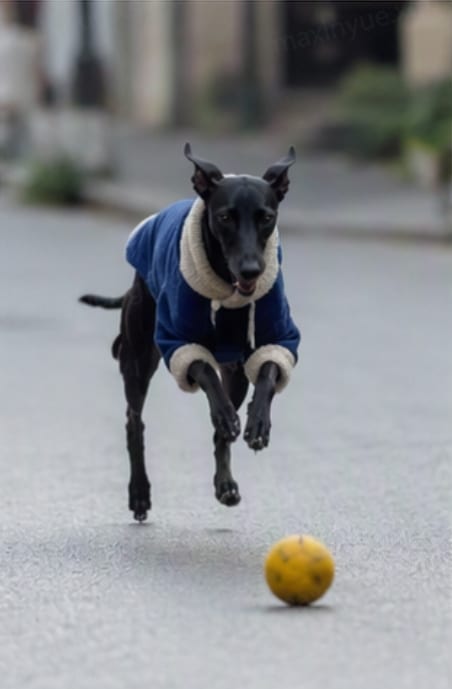
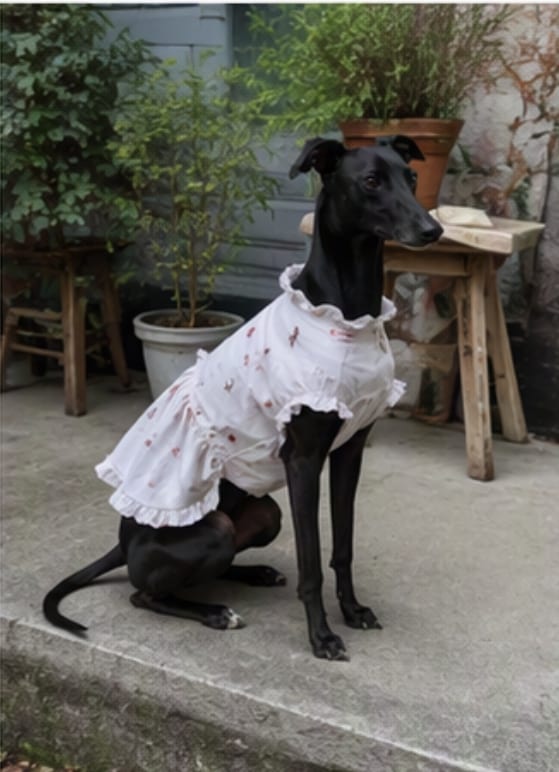
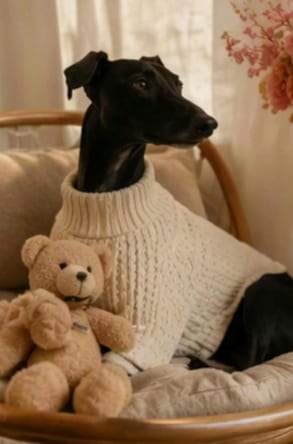
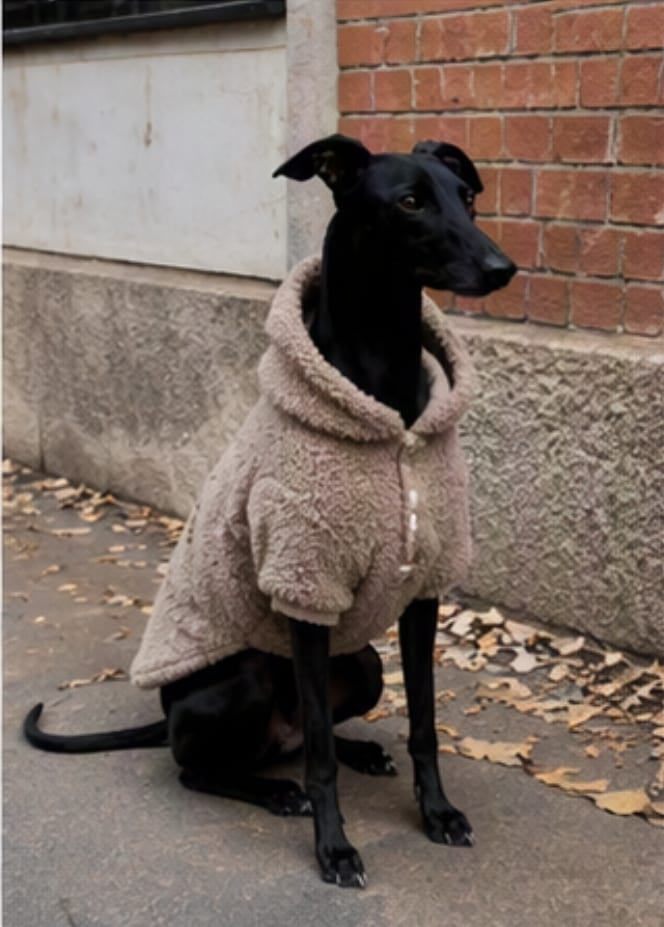
Dog day vlog from four photos
Four casual dog photos become one vertical pet vlog with gentle motion, playful pacing, and a social-ready result.
The page could not load. Please refresh to try again.
This is taking longer than expected. You can keep waiting or refresh the page.
Turn dog photos, cat photos, puppy pictures, and pet memories into a vertical 9:16 video for TikTok, Instagram Reels, and YouTube Shorts.
These examples show the same flow users can create on the page: upload several pet photos, choose a vlog style, and generate a vertical video ready for social sharing.
Four casual dog photos become one vertical pet vlog with gentle motion, playful pacing, and a social-ready result.
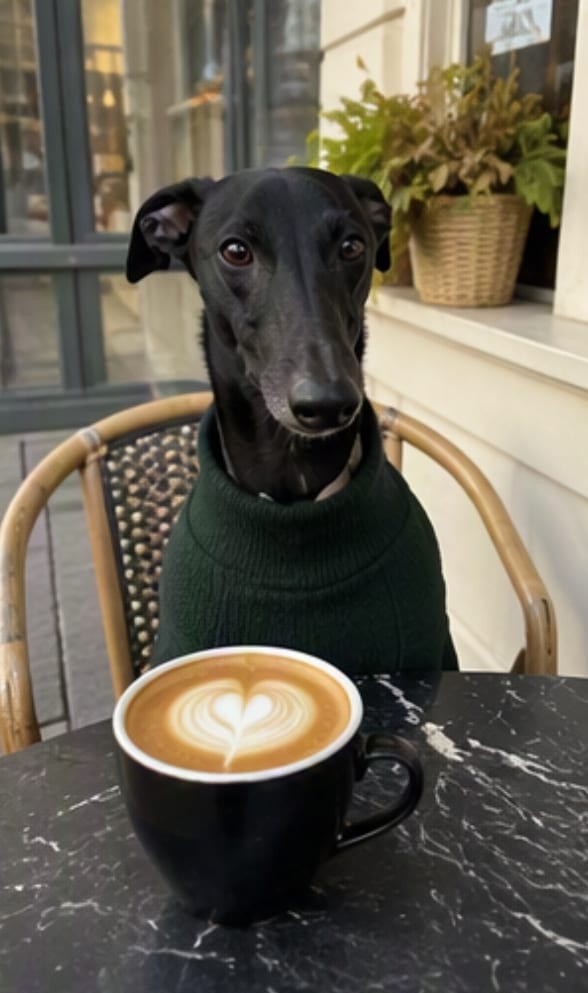
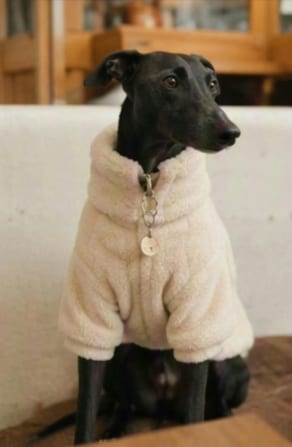
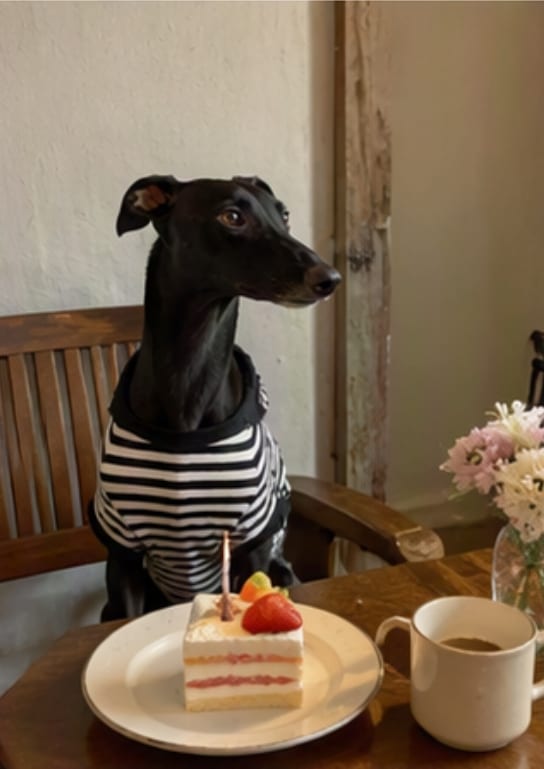
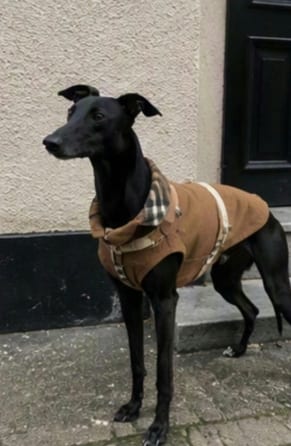
A small photo set turns into a finished pet memory clip for Instagram Reels, YouTube Shorts, or a daily diary post.
Turn your dog or cat photos into a vertical AI video. Share a birthday recap, a walk, or a favorite memory on TikTok, Reels, or Shorts.
Pet videos need a different rhythm from product demos or generic slideshows. Start with photos of your pet at home, on walks, or celebrating a birthday. Choose the moments you want to share.
Upload a batch of pet photos and turn them into one continuous AI pet video instead of editing every clip by hand.
Choose a look such as doodle cutout, social reel, cozy film, kawaii diary, or scrapbook for different pet storytelling moods.
Use clear reference photos of the same pet. The AI aims to follow their appearance and your chosen story, but markings and other details can change.
Upload several pet photos and choose a style. Generate one finished video without cutting clips in a timeline editor.
Continue from a pet vlog into broader AI video, image generation, or creative tutorials across MagicCanvas.
Create general AI videos from prompts or images when you need a broader video workflow.
Generate pet portraits, backgrounds, and social-ready images before turning them into a vlog.
Animate a single pet photo with your own motion prompt and choice of video model.
Generation requires diamonds or credits. Sign in and review the amount displayed on the Generate button before submitting. The cost follows the current model pricing.
Use clear photos with a visible pet and consistent markings. Each file must be no larger than 10 MB. The uploader resizes images when needed to fit the supported dimensions and reports files it cannot process. Avoid screenshots with borders, heavy blur, or very small pet faces.
Check My creations before submitting again: the request may still be processing. Review any error shown on the page. If the task failed, contact support with the task details; do not assume that submitting again is free.
Upload 1 to 12 pet photos. We recommend at least 3 for a short sequence with an opening, highlights, and an ending. Arrange the photos in your intended story order.
Yes. Pick styles like doodle cutout, social reel, cozy film, or kawaii diary, then MagicCanvas creates the finished pet vlog video.
The AI uses your photos as references, but markings, outfits, and small details can change. Review the result before sharing. Clear photos of the same pet make it easier to communicate the look you want.
Yes. Use dog photos, cat photos, puppy pictures, kitten memories, or other pet images. The page builds one AI pet vlog from the batch you upload.
The current preset creates an 8-second, 720p video in vertical 9:16 format for TikTok, Instagram Reels, or YouTube Shorts.